The Learning platform provides asynchronous learning and coaching courses related to 95 Percent Group resources.
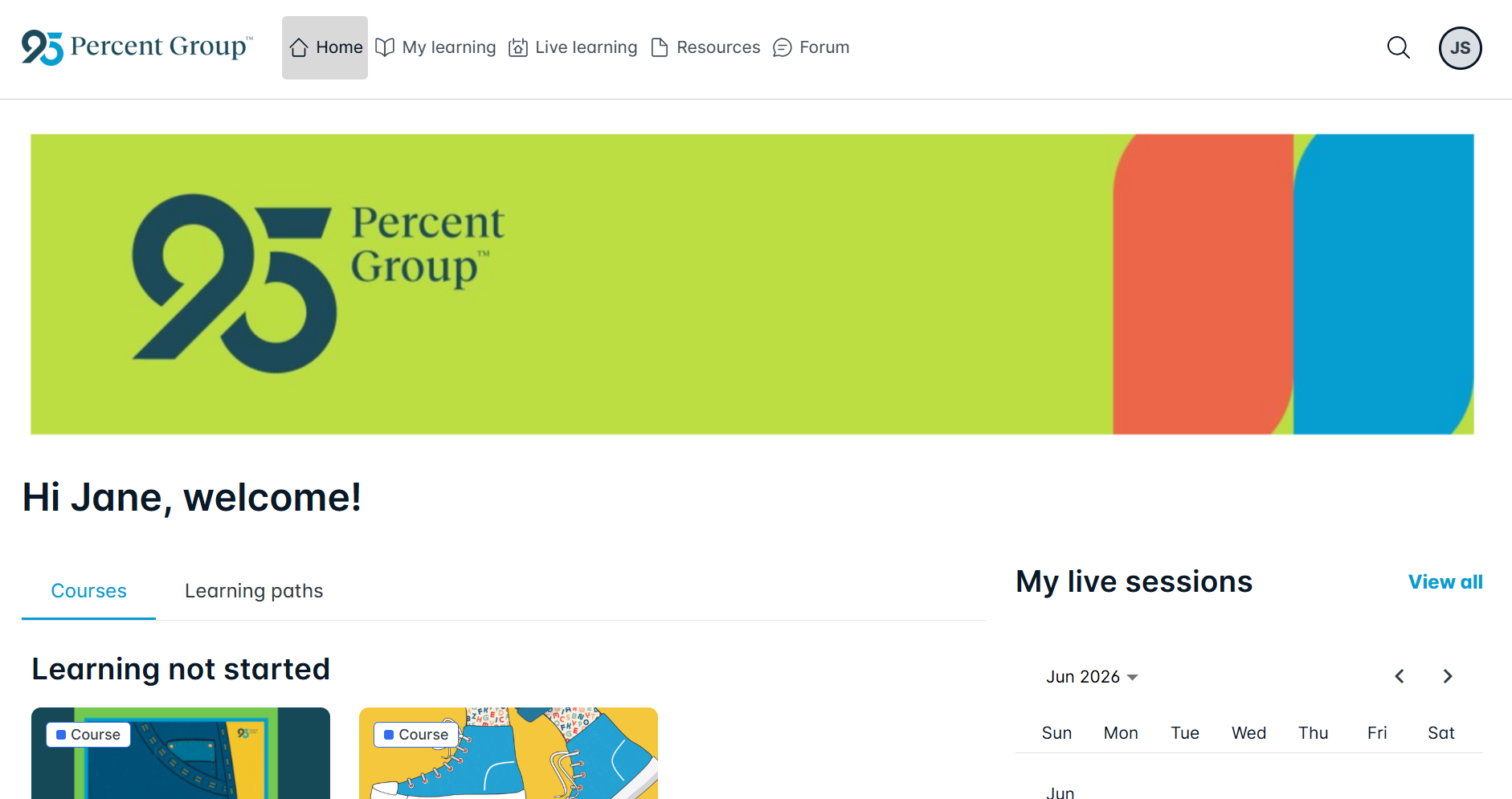
The Learning platform is accessed by selecting the Learning tab in One95™.
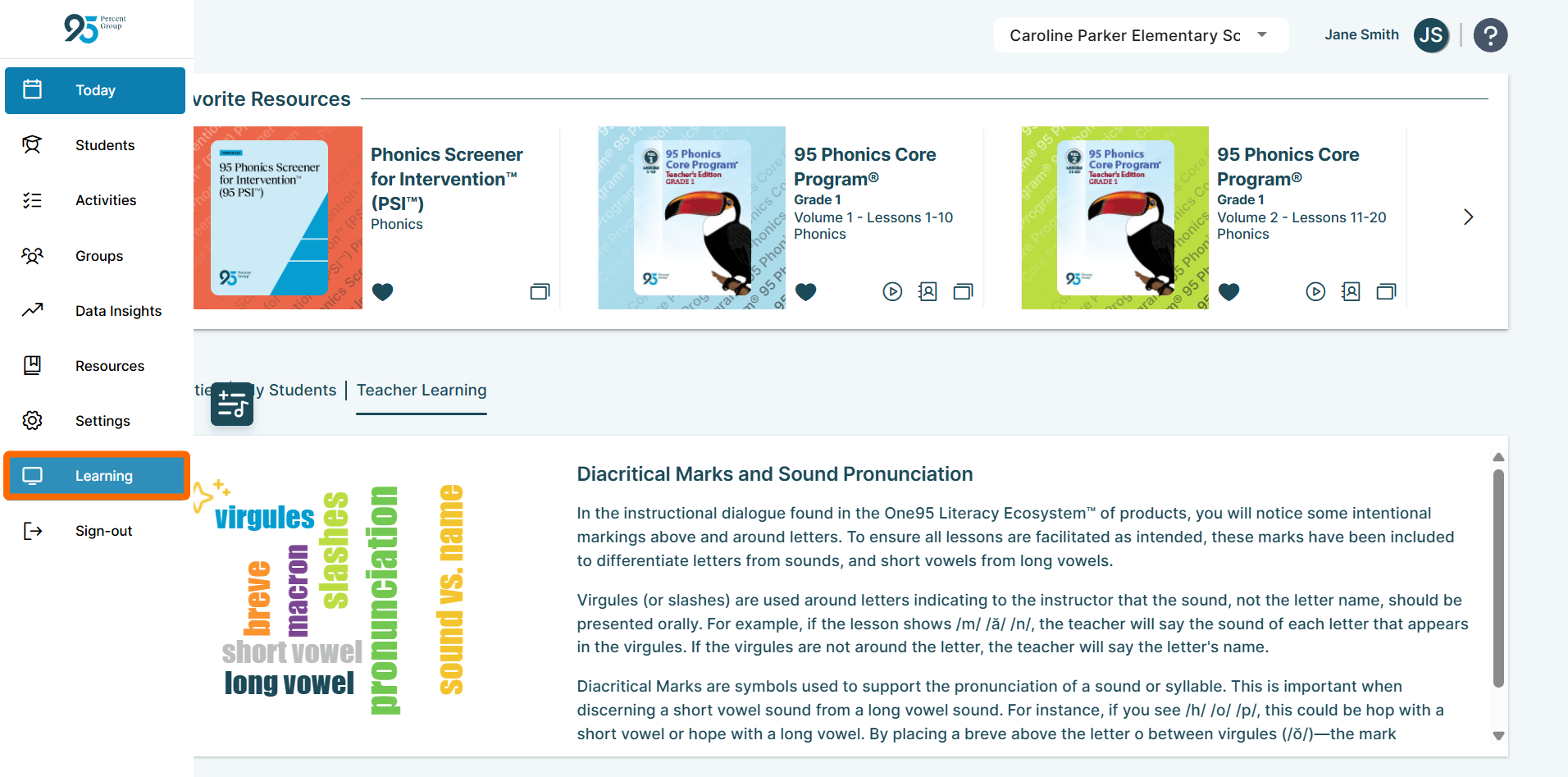
The Learning tab authenticates users into the Learning platform using single sign-on (SSO). If this tab is available, users can only log in via SSO.
If the Learning tab is unavailable, access the Learning platform at https://learn.one95.app using your account credentials.
Educators who access the Learning platform at https://learning.one95.app using account credentials can continue to access asynchronous courses as usual.
After logging in via SSO or email and password, navigate to the My learning tab to view all assigned courses and learning paths.
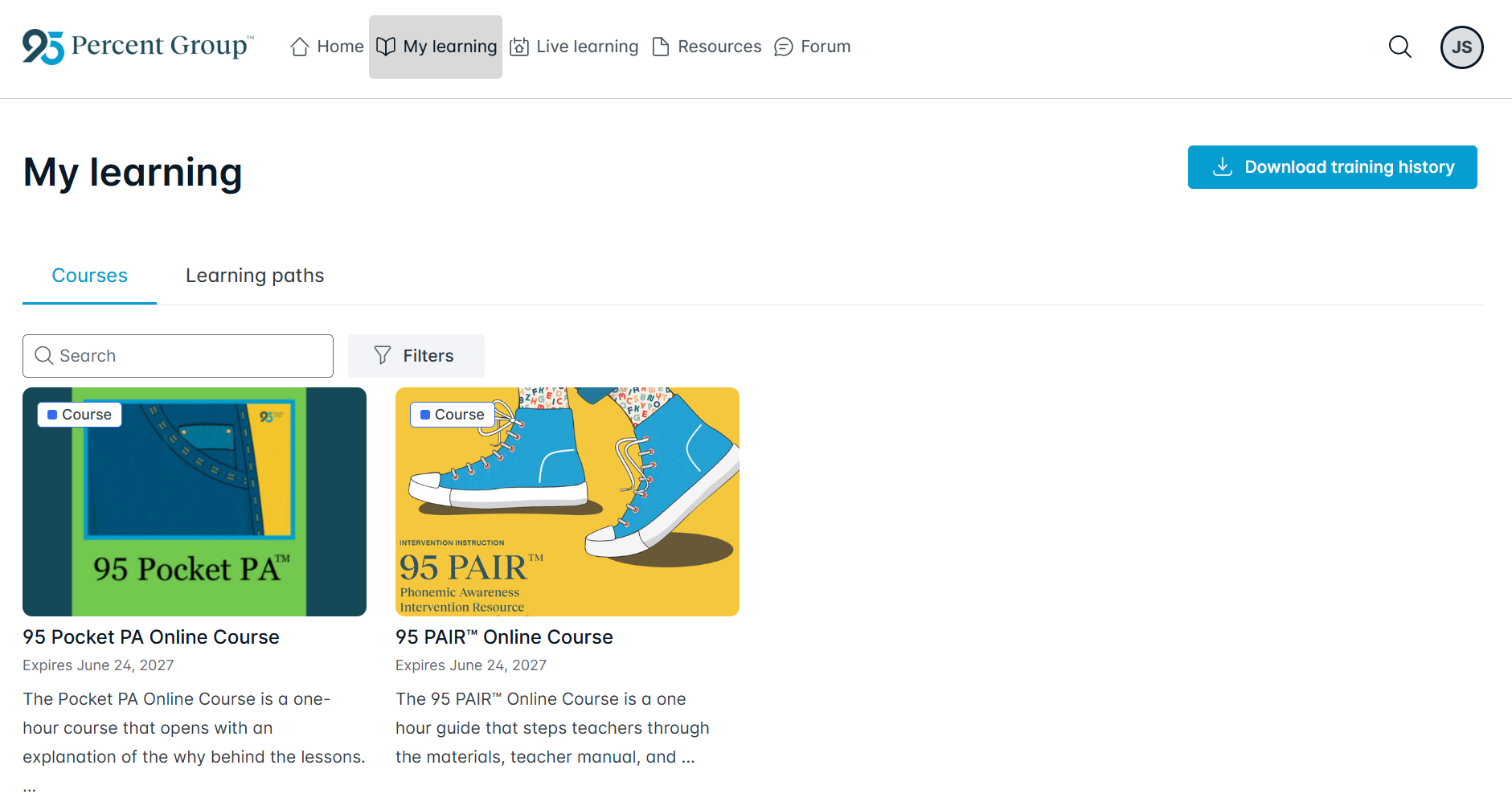
Click on each one to open it.
95 Percent Group Support is here to help! Contact us via the knowledge base support form.
To learn more about submitting tickets, reference our article on One95 Support.
Was this article helpful?
That’s Great!
Thank you for your feedback
Sorry! We couldn't be helpful
Thank you for your feedback
Feedback sent
We appreciate your effort and will try to fix the article