Help Center
While navigating the One95™ platform, there is a Help Center button in the lower right-hand corner of every page.
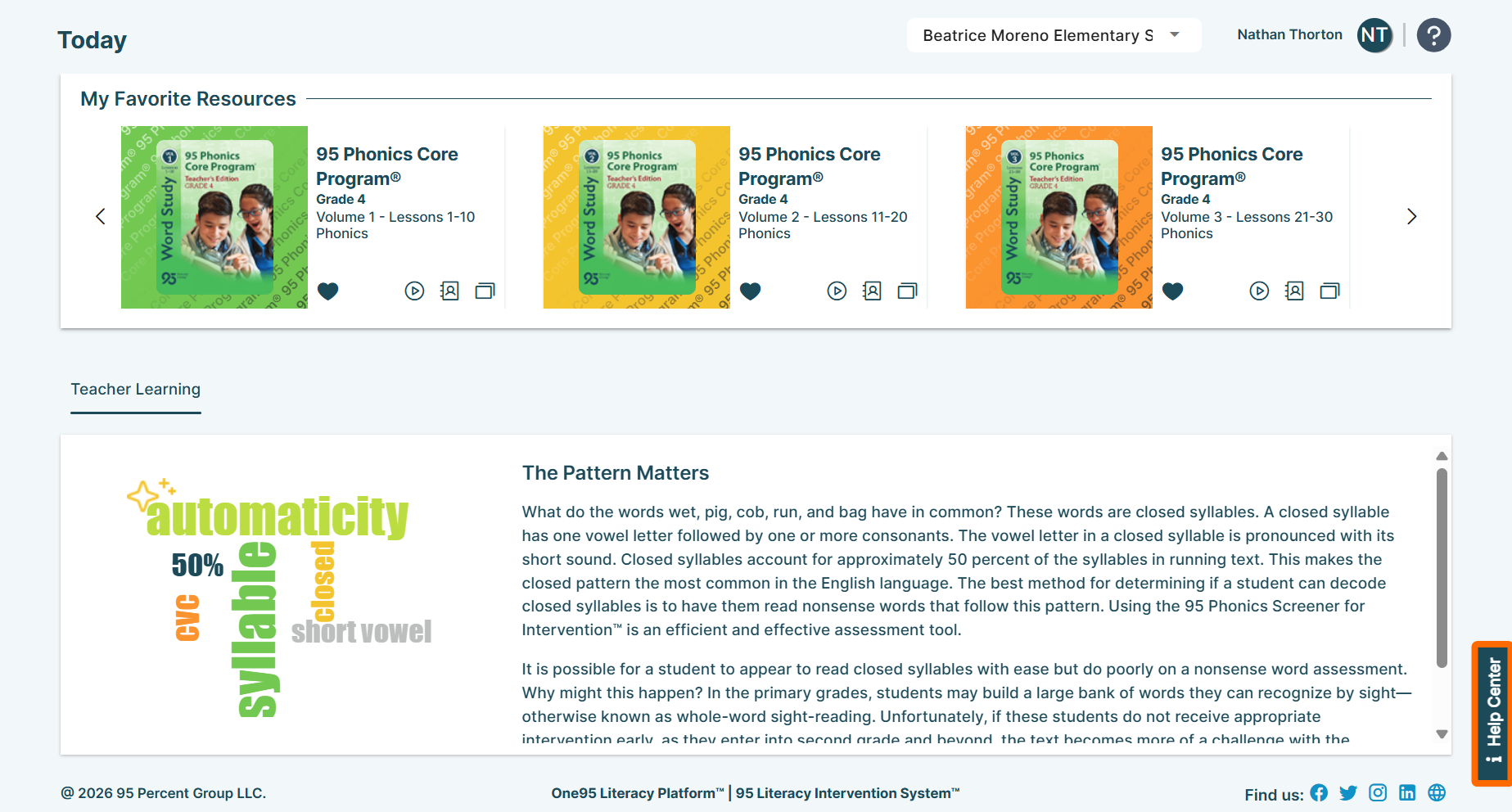
Click Help Center to access the One95 support hub.
From here, browse a centralized repository of support materials related to the page (e.g., quick-start articles, videos, and in-app guided content), explore the One95 Knowledge Base, search through commonly asked questions, and submit support tickets for assistance.
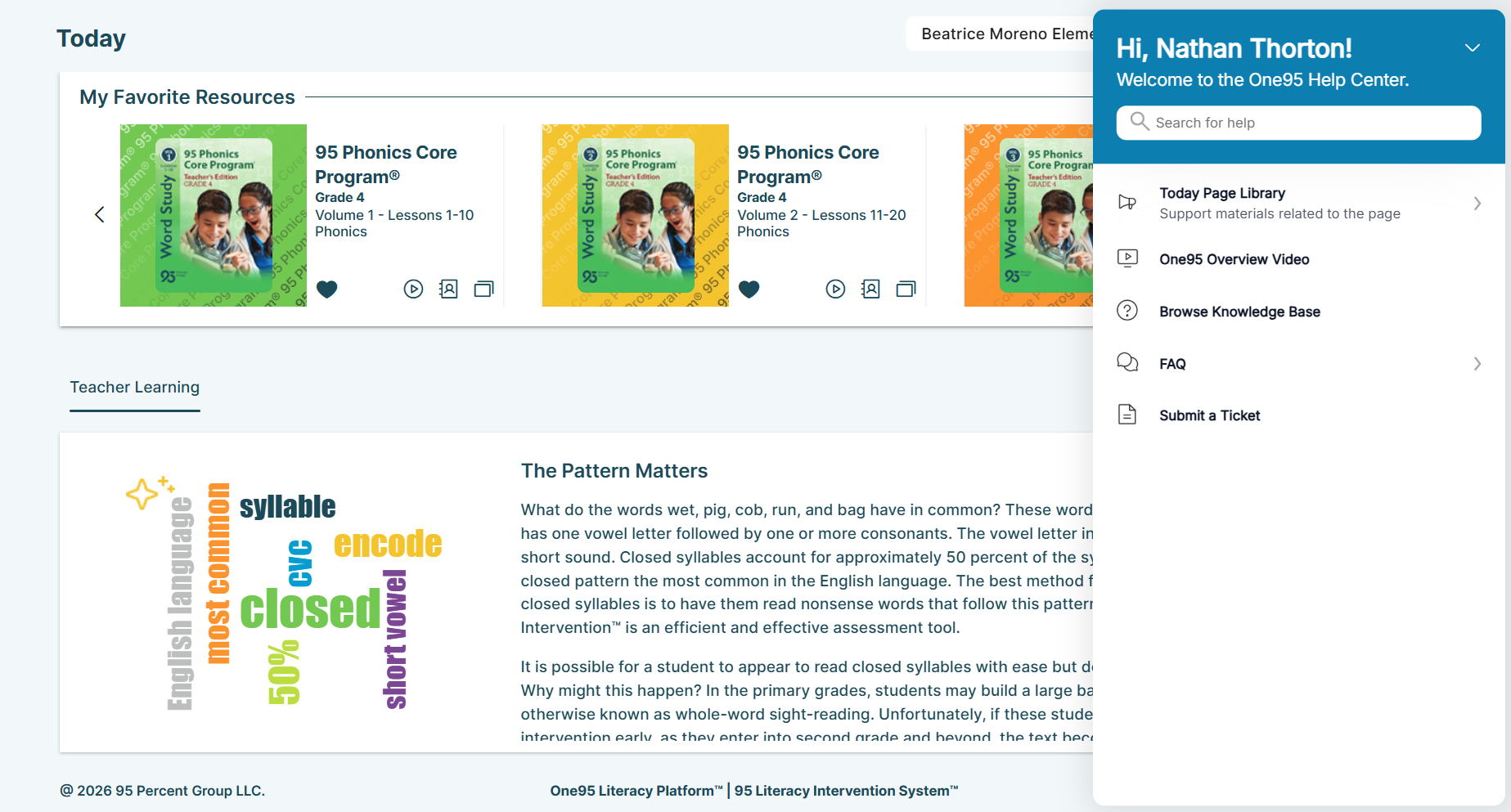
Question Mark Icons
While navigating the One95 platform, there is a question mark icon in the upper right-hand corner of every page.
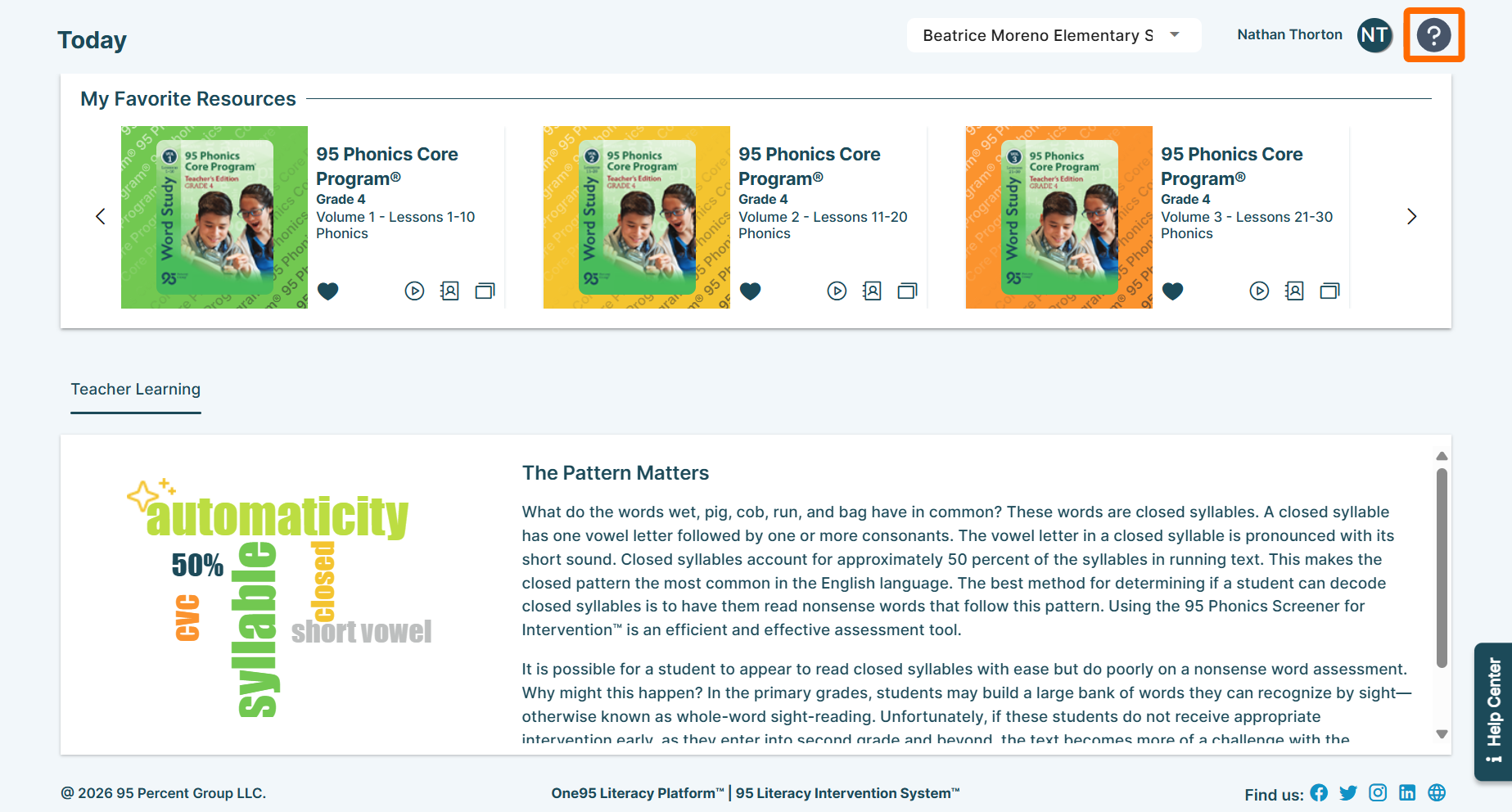
Click the question mark icon to access the detailed help article related to the page within the One95 Knowledge Base.
Use Ctrl+F to quickly locate specific content within the article.
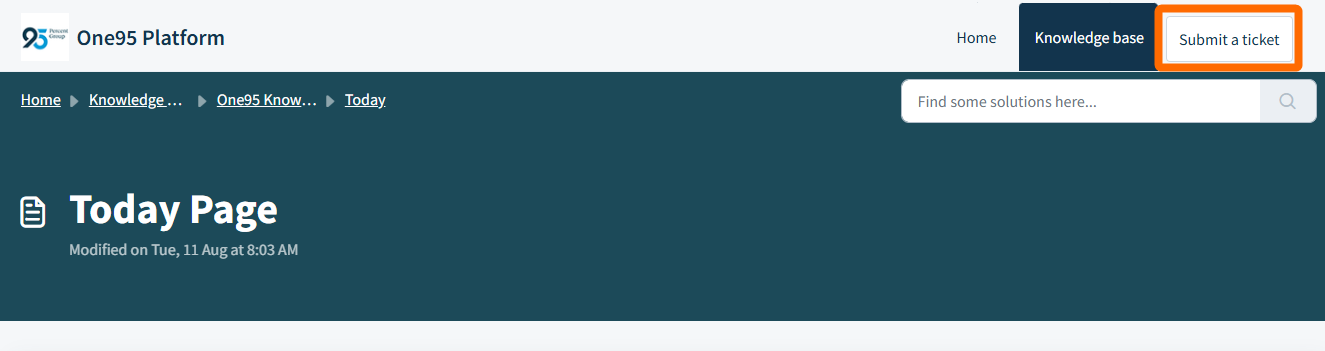
From here, search for other topics using the search bar. If you need additional assistance, click the Submit a ticket button in the upper right-hand corner of the knowledge base.
Submitting a Support Ticket
To submit a support ticket, start by selecting the nature of your inquiry from the Select issue type drop-down.
- Ask a question: Select this option for One95 platform questions.
- Report an issue: Select this option to report One95 platform issues.
- Feedback: Select this option to provide feedback related to 95 Percent Group or the One95 platform (e.g., desired platform features).
Complete the remaining fields within the form.
Note that the form fields differ based on the ticket type selected in the Select issue type drop-down.
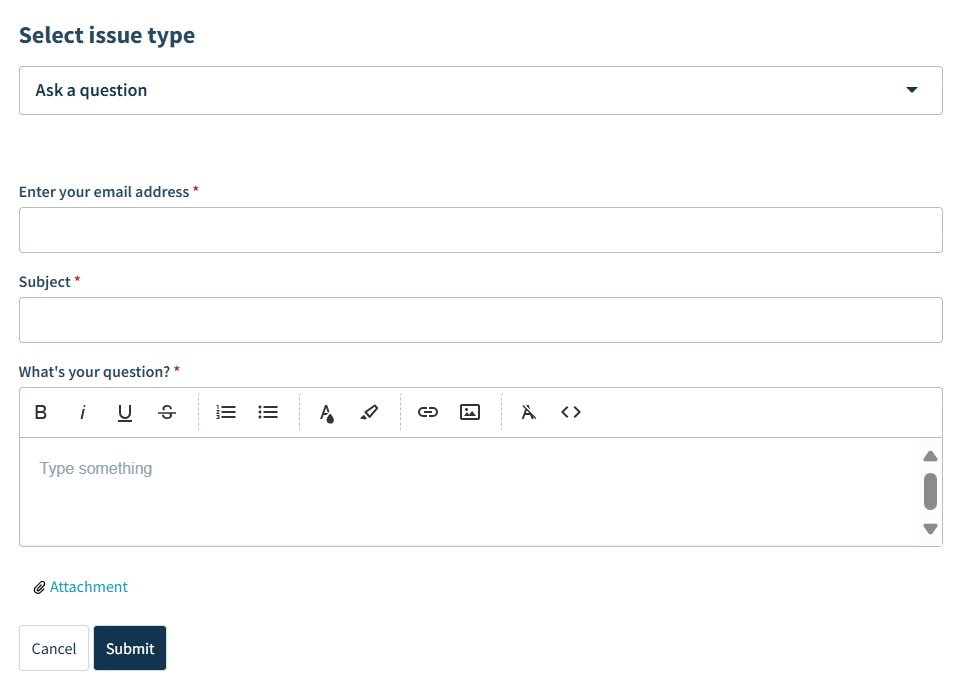
Enter your email address or Requester
Enter your school email address.
This email address will be used for correspondence with 95 Percent Group.
Subject
Enter a brief subject line.
Type
Select the issue type from the drop-down.
Priority
Select the priority from the drop-down.
Product
Select the applicable 95 Percent Group product from the drop-down.
What's your question? or Description
Enter the details of your message. Please include as much information as possible.
Attachments
Click the Attachment button to upload an attachment to your message, such as supplementary screenshots.
Click Submit once complete.
95 Percent Group Support will review your message and get back to you as soon as possible.
Was this article helpful?
That’s Great!
Thank you for your feedback
Sorry! We couldn't be helpful
Thank you for your feedback
Feedback sent
We appreciate your effort and will try to fix the article